MIDI Sequencer1.0.35
Publisher Description
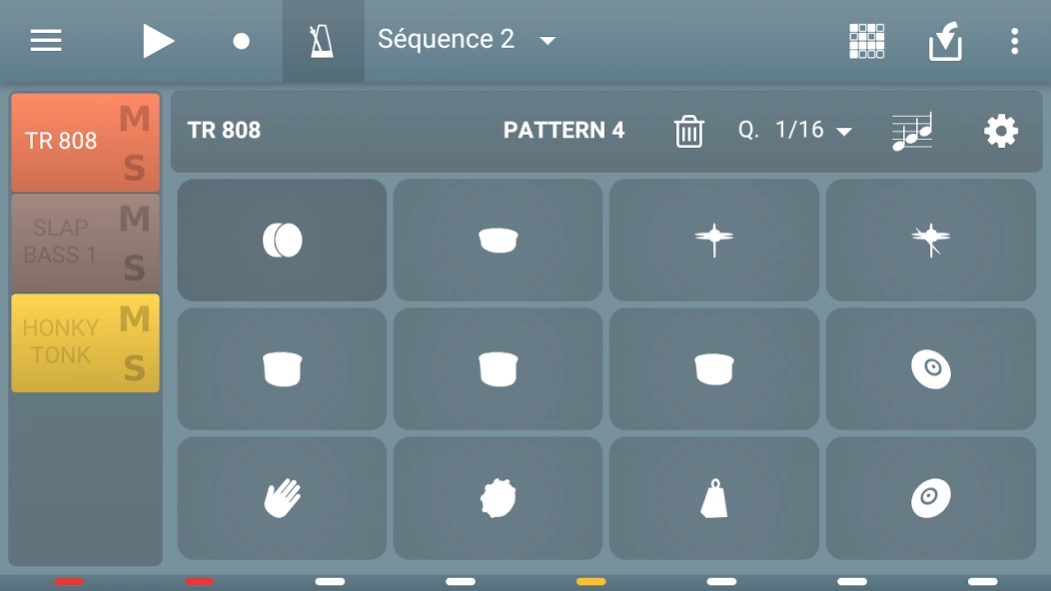
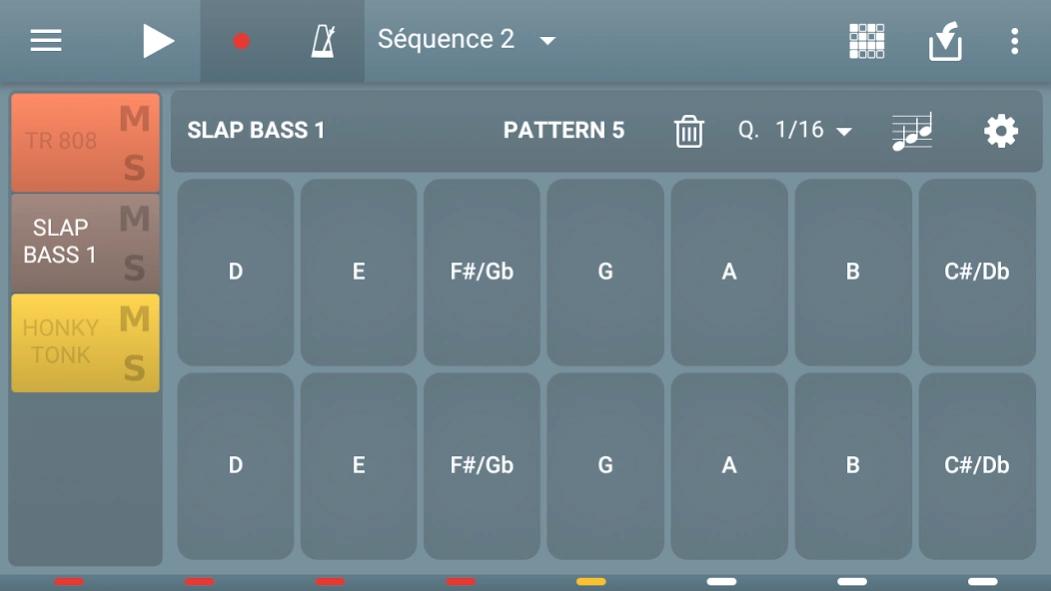
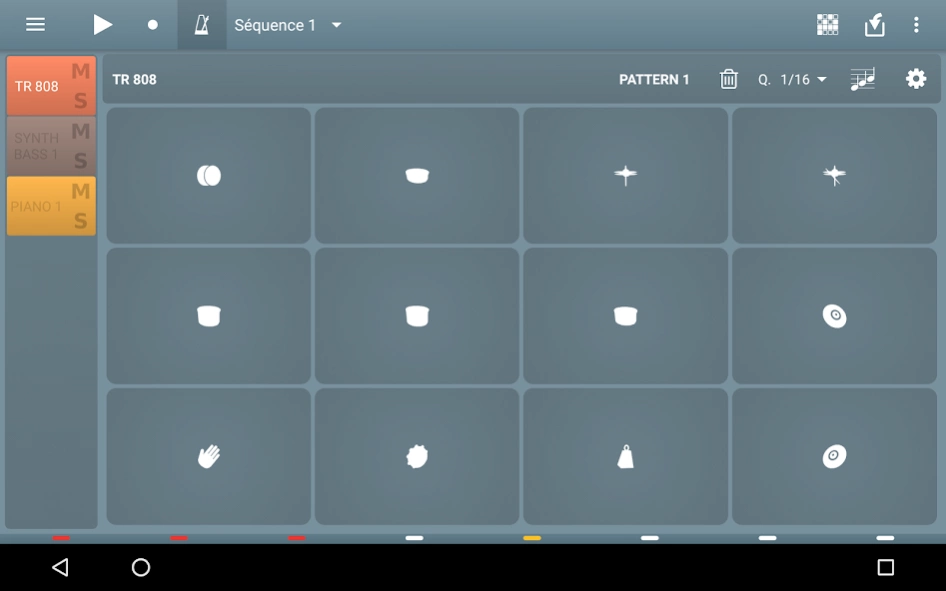
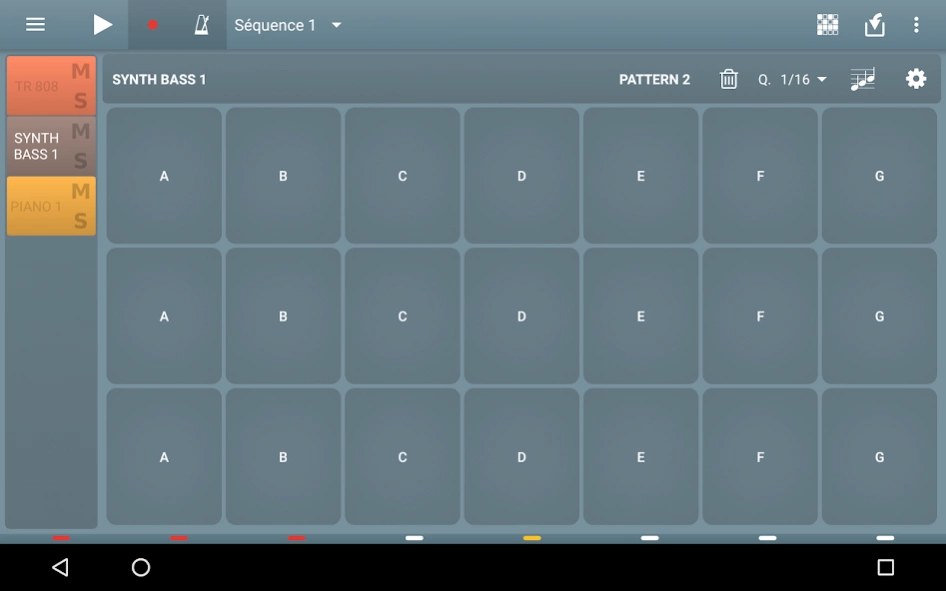
Multi track MIDI sequencer using soundfont synth (sf2).
Create tracks using instruments from soundfonts (sf2).
Create sequences and order them.
Fill your patterns with the included controlers.
Using soundfonts allow you to easily change the sound bank of a composition using General MIDI soundfonts.
Connect external MIDI inputs controllers and/or MIDI outputs sound modules.
WARNING: MIDI feature is not supported by every Android devices. Consult the specifications of your device to see if it supports MIDI connections.
User manual: http://www.volcanomobile.net/midi-sequencer/user-manual.html
FAQ: http://www.volcanomobile.net/midi-sequencer/faq.html
Bose Sounds presentation video: https://www.youtube.com/watch?v=v__fA1_2b_U
This application uses a modified version of FluidSynth, you can find the source code here https://github.com/VolcanoMobile/fluidsynth-android
About MIDI Sequencer
The company that develops MIDI Sequencer is Volcano Mobile SNC. The latest version released by its developer is 1.0.35.
To install MIDI Sequencer on your Android device, just click the green Continue To App button above to start the installation process. The app is listed on our website since 2021-10-02 and was downloaded 36 times. We have already checked if the download link is safe, however for your own protection we recommend that you scan the downloaded app with your antivirus. Your antivirus may detect the MIDI Sequencer as malware as malware if the download link to net.volcanomobile.midisequencer is broken.
How to install MIDI Sequencer on your Android device:
- Click on the Continue To App button on our website. This will redirect you to Google Play.
- Once the MIDI Sequencer is shown in the Google Play listing of your Android device, you can start its download and installation. Tap on the Install button located below the search bar and to the right of the app icon.
- A pop-up window with the permissions required by MIDI Sequencer will be shown. Click on Accept to continue the process.
- MIDI Sequencer will be downloaded onto your device, displaying a progress. Once the download completes, the installation will start and you'll get a notification after the installation is finished.
Program Details
System requirements
Download information
Pricing
Version History
version 1.0.35
posted on 2021-10-02
- Update libraries
- Fix some bugs
